A SwiftUI app (iOS 26 / macOS 26) that extracts text from an image of a recipe using Vision’s on-device OCR. Lets you sort that text into recipe sections.
There are basic steps.
- Import the image and see the text for that image in lines or in paragraphs with the ability to copy all the text to the clipboard
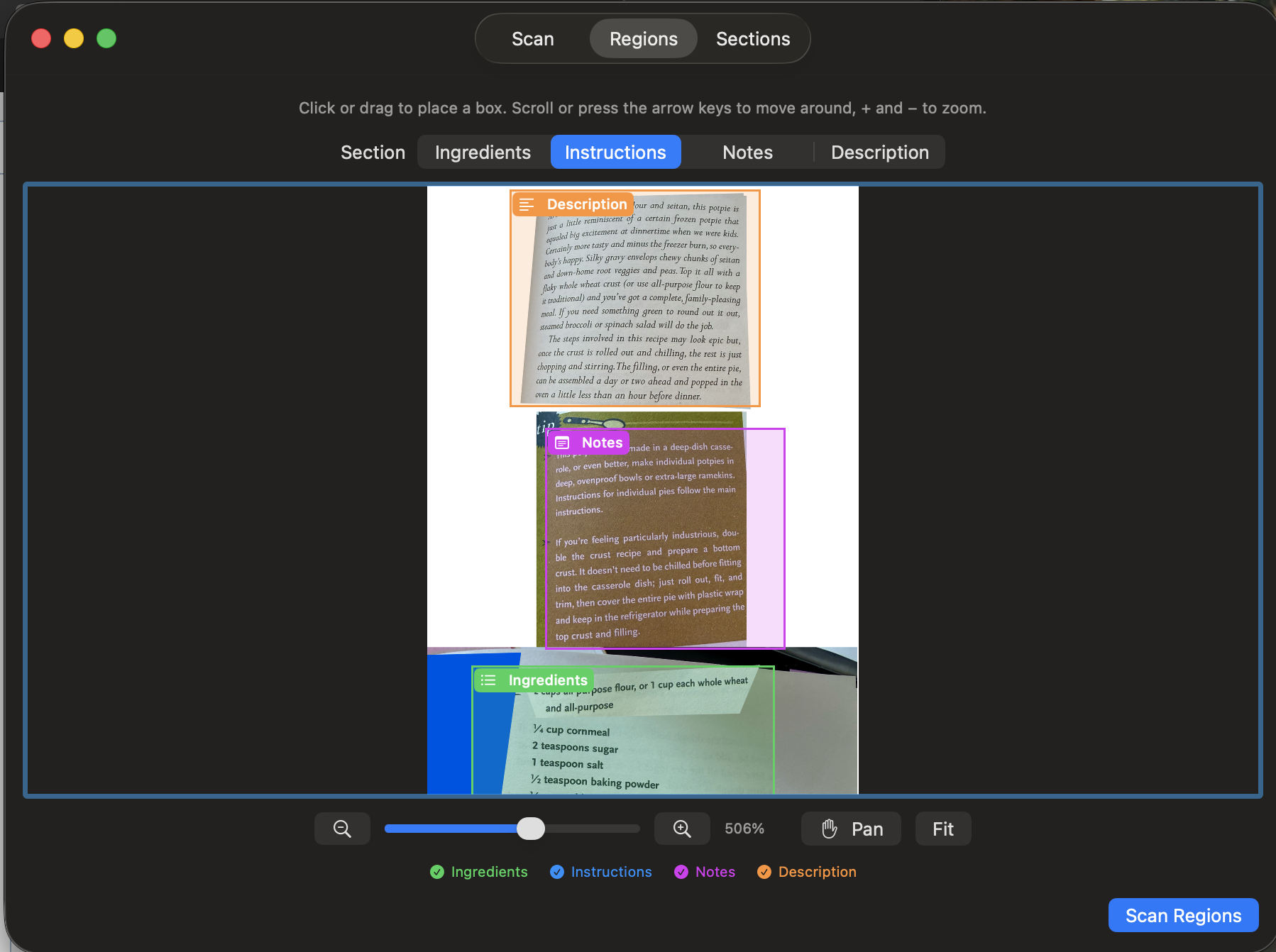
- Designate regions of the image for the various parts of the recipe: ingredients, instructions, notes, and description. Once the region have been selected the scan button can be used to extract the text for the individual sections. This view lets use zoom and pan into the image to better see the text you want to select.
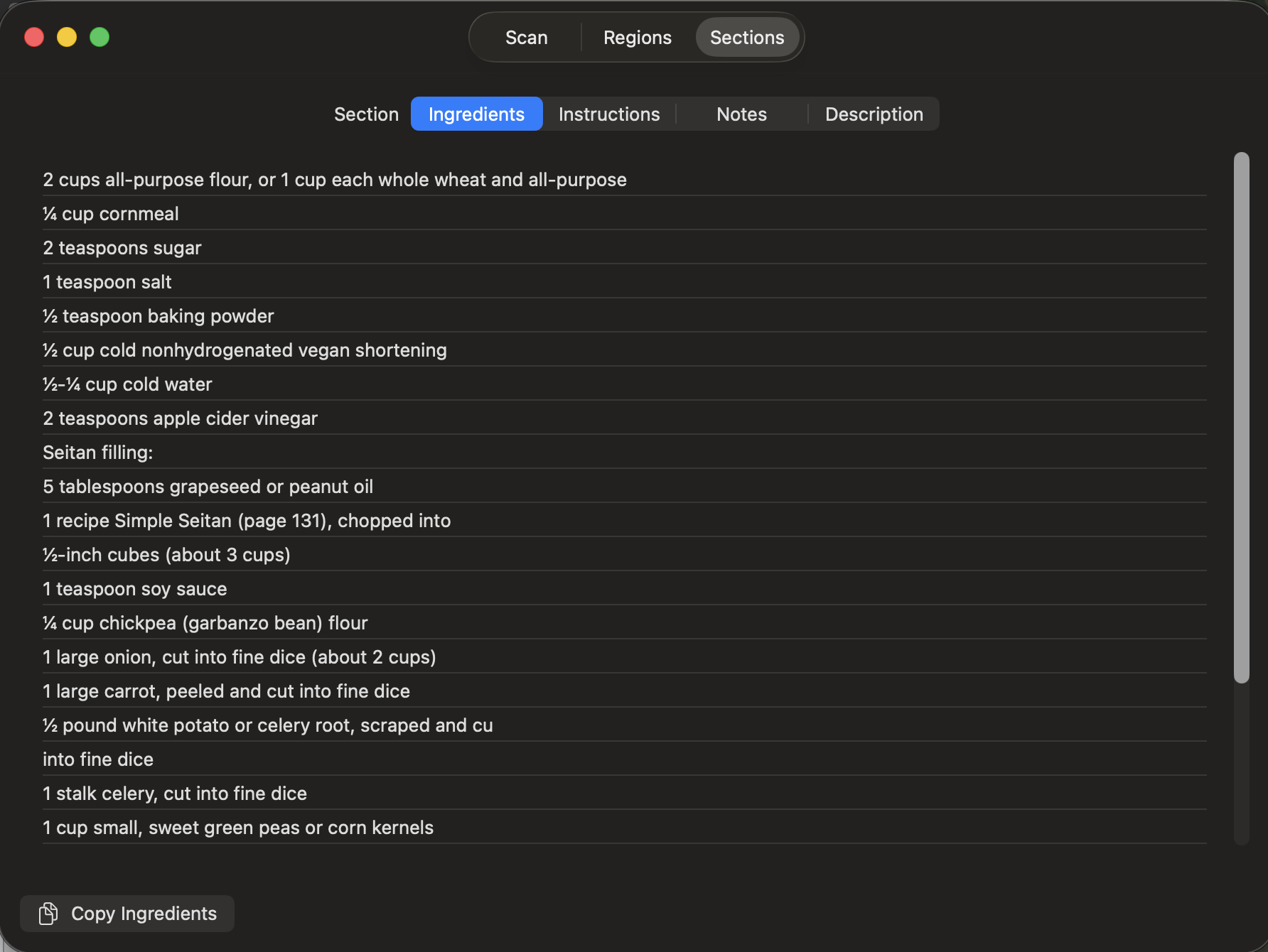
- The section preview page let you see and copy the text for that individual region.

| 
| 
|